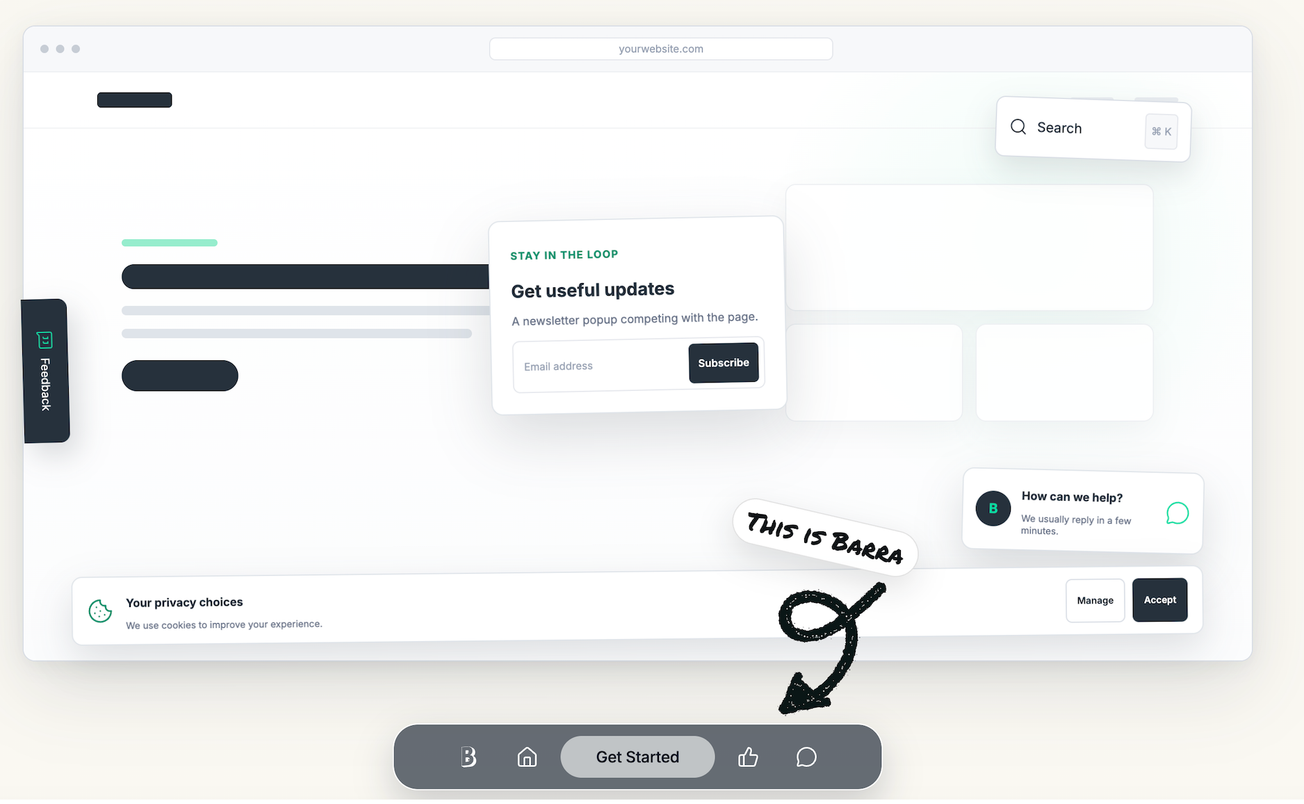
Businesses are always looking for better ways to turn website visitors into enquiries, customers and repeat users. But adding lots of pop-ups, floating buttons and widgets can quickly make a website feel busy and confusing for many.
Barra.ai takes a simpler approach. It is a customisable website toolbar that brings important actions together in one clean, always-available bar. This makes it easier for visitors to find what they need without filling the website with separate buttons and pop-ups.
The toolbar can include calls to action, special offers, feedback, contact details, search, chat, social media links, directions, reviews and other useful website features. Barra currently offers more than 25 modules, so businesses can choose the tools that are most useful for their customers.
How does Barra work?
Barra appears as a toolbar on a website, usually along the bottom of the screen. It gives visitors quick access to selected actions while they browse.
Instead of having several different pop-ups, floating buttons and widgets, businesses can bring their key features together in one place. For example, a business could use Barra to offer a contact button, WhatsApp link, appointment booking, special offer and feedback option.
Other modules include search, checkout, reviews, LinkedIn, Instagram, live chat, consent, webinars and a scroll-to-top button.
The aim is straightforward: keep important actions available without making visitors hunt through the website to find them.
Barra does not replace a website's existing navigation. Instead, it works alongside it as an additional way for visitors to access the actions a business wants to promote.
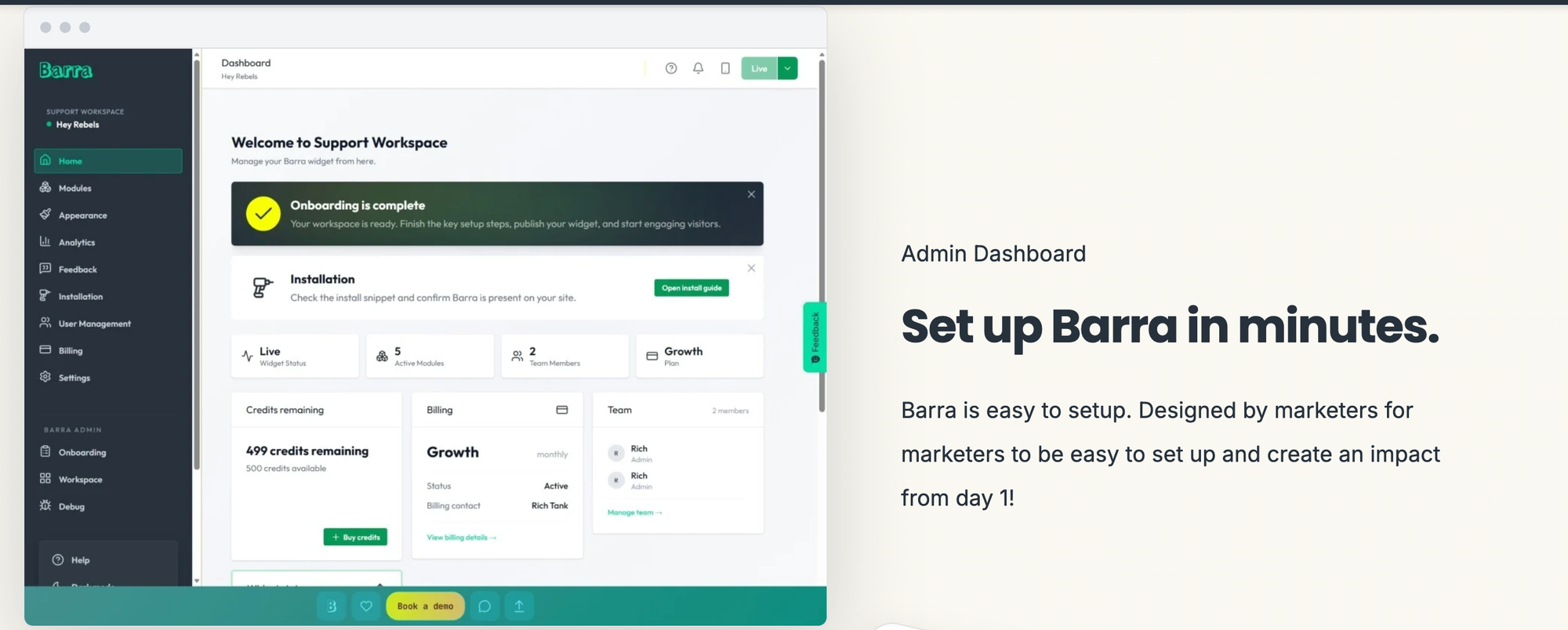
Simple to install
Barra is designed to be quick and easy to add to a website, without requiring significant technical work. The company says installation can be completed with a single line of code, either directly on a website or through Google Tag Manager.
After installation, businesses can choose the modules they want to use and customise the toolbar's appearance, including colours and themes, to match their branding.
The toolbar is designed to work across both desktop and mobile websites, allowing businesses to set it up around their existing website design and customer journey.
Barra pricing
Barra uses a monthly pricing model based on individual website accounts and page-load allowances.
A customer can run multiple website accounts, with each account having its own Barra plan. Businesses can use their website analytics to estimate how many page loads they receive each month and then choose a suitable plan. Paid plans also allow additional page loads to be purchased if needed.
Current pricing includes a plan offering 50,000 page loads, along with features such as advanced styling, the Feedback module and A/B testing.
There is also a free option for businesses that want to try Barra before moving to a paid plan.
As pricing and plan allowances can change, businesses should check the latest information directly with Barra before choosing a plan.
Why website engagement matters
Getting visitors to click a button is only part of the picture. What really matters is encouraging useful actions, such as making an enquiry, booking an appointment, getting in touch or completing a purchase.
Barra is designed around this idea by keeping relevant actions visible throughout the visitor's journey.
This can be especially helpful on websites where visitors need time to read information before deciding what to do. Rather than relying on someone reaching the end of a page or going back to the main menu, important actions can remain available as they browse.
Small changes can make a difference to engagement and conversions
Improving website conversions does not always mean redesigning an entire website.
Businesses can start with the basics. Make sure phone numbers, email addresses and contact forms are easy to find. Give visitors a clear reason to share their details, such as a useful guide, report or downloadable resource.
Pop-ups and promotional bars can also work well when used carefully. A genuine deadline can make a countdown timer useful, while a relevant limited-time offer can encourage visitors to take action rather than put it off.
The key is to avoid overloading the visitor.
Too many messages, buttons and competing calls to action can make a website feel cluttered and leave visitors unsure about what to do next. Barra highlights this issue by bringing together elements that are often added separately, such as consent banners, chat buttons, sticky calls to action and feedback tabs.
A cleaner, more organised approach can make the customer journey easier to follow. By keeping the most useful actions visible and removing unnecessary distractions, businesses can make it simpler for visitors to engage.